

Introduction
ServiceNow upgrades provide organizations with new features, platform improvements, and security enhancements. However, upgrading an enterprise environment without proper testing can affect existing workflows, integrations, custom applications, and business operations.
Organizations depend on ServiceNow for incident management, change management, service requests, approvals, and automated processes. Therefore, ServiceNow upgrade testing is essential to identify potential issues before they affect production users.
A structured testing checklist helps organizations protect critical workflows and ensure a smoother upgrade process.
Why Is ServiceNow Upgrade Testing Important?
An upgrade may introduce changes that affect existing configurations, customizations, and integrations.
Proper testing helps organizations:
- Identify compatibility issues.
- Protect business-critical workflows.
- Validate custom applications and scripts.
- Ensure integrations continue working.
- Maintain security and user permissions.
- Reduce unexpected production disruptions.
1. Review Upgrade Scope and Release Changes
Before starting an upgrade, review the relevant ServiceNow release documentation.
Identify changes related to:
- New and modified platform features.
- Deprecated functionality.
- Plugin compatibility.
- API and integration changes.
- Security updates.
- Existing customizations.
Also, identify business-critical applications such as ITSM, Service Catalog, CMDB, and custom workflows that require testing.
2. Prepare a Test Environment
Clone and Validate the Environment
Use an appropriate non-production environment to test the upgrade before deploying it to production.
Check the following:
- Instance accessibility.
- Plugin and application dependencies.
- Integration connectivity.
- Scheduled jobs and background processes.
- Custom configurations and workflows.
- Test users and sample data.
A properly prepared environment helps identify issues before the production upgrade.
3. Essential ServiceNow Upgrade Testing Checklist
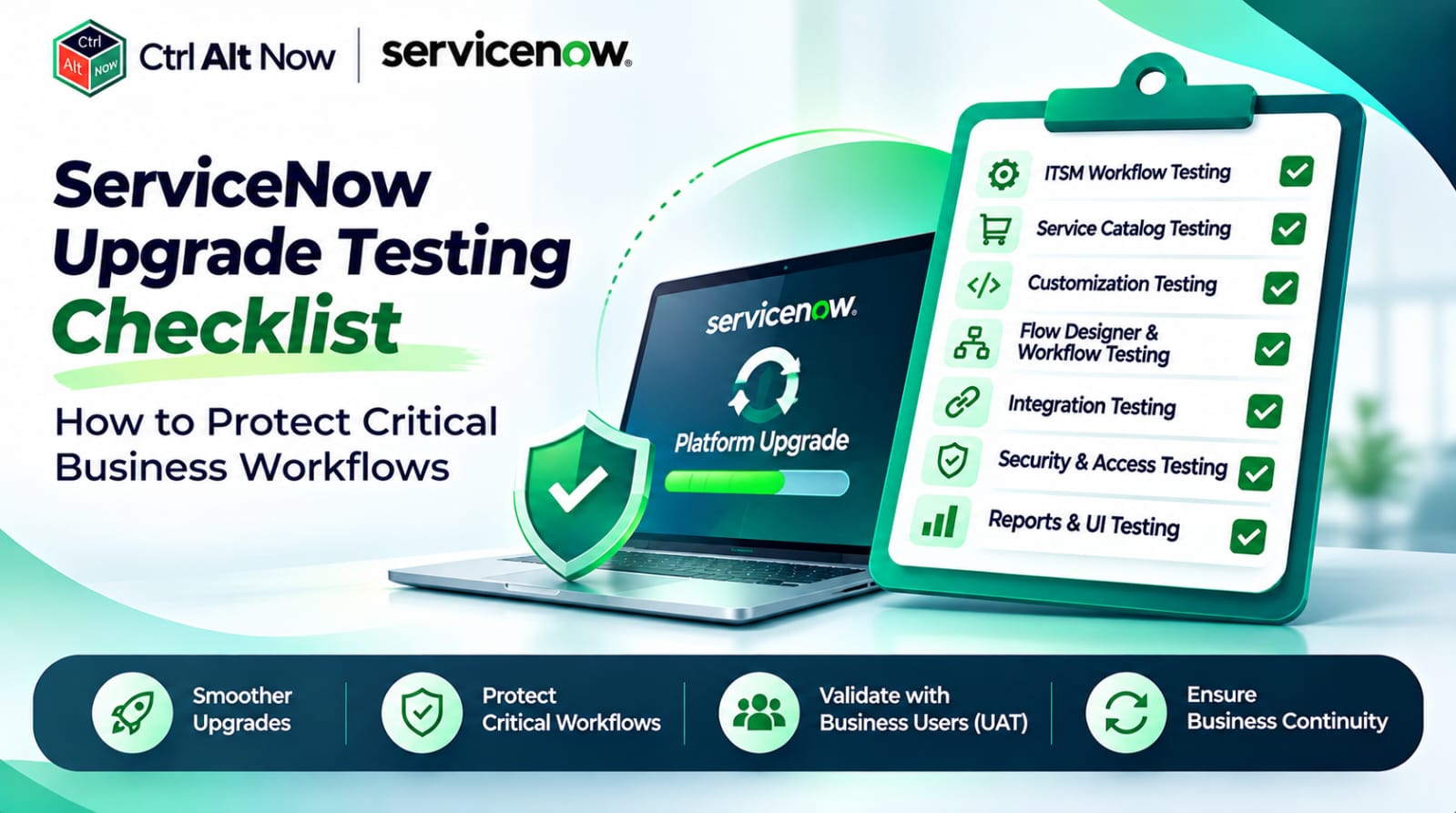
A. ITSM Workflow Testing
Validate incident, problem, and change management processes.
- Incident creation and assignment.
- Priority and escalation rules.
- Problem and incident linking.
- Change request approvals.
- Change implementation and closure.
B. Service Catalog Testing
Check whether users can submit and complete service requests.
- Catalog item availability.
- Request submission.
- Form and variable validation.
- Approval workflows.
- Task assignment and fulfillment.
C. Customization Testing
Review custom configurations that may be affected by platform changes.
- Business rules.
- Client scripts.
- UI policies.
- Script includes.
- Custom applications and forms.
D. Flow Designer and Workflow Testing
Validate automated business processes.
- Flow triggers and conditions.
- Approval actions.
- Task assignments.
- Notifications.
- IntegrationHub actions, where used.
E. Integration Testing
Confirm that connected systems continue exchanging data correctly.
- REST and SOAP APIs.
- Authentication and credentials.
- Inbound and outbound data.
- MID Server connectivity, where applicable.
- Data mapping and transformation.
F. Security and Access Testing
Verify that users retain the correct access permissions.
- User roles.
- Access Control Lists (ACLs).
- Record and field-level permissions.
- Restricted data access.
- Portal and workspace access.
G. Reports and User Interface Testing
Check reports, dashboards, notifications, Service Portal, and Workspace functionality to ensure users can access information and complete their regular tasks.
4. Use Automated Testing with ATF
ServiceNow Automated Test Framework (ATF) helps organizations create and execute automated tests for supported platform functionality.
It can help validate:
- Form submissions.
- Record creation and updates.
- Business process execution.
- UI interactions.
- Regression test scenarios.
Automated testing reduces repetitive manual effort and improves consistency. However, complex workflows, integrations, and user experience scenarios may still require manual testing.
5. Perform User Acceptance Testing (UAT)
Technical testing alone may not confirm that business processes work as expected.
Involve business users and process owners to validate real-world scenarios, such as:
- Employees submitting IT support requests.
- Agents creating and resolving incidents.
- Managers approving change requests.
- Teams accessing knowledge articles.
- Departments processing integrated workflows.
Document feedback and resolve critical issues before approving the production upgrade.
6. Post-Upgrade Validation Checklist
After completing the upgrade, verify that:
- Critical applications are accessible.
- ITSM workflows function correctly.
- Service Catalog requests can be submitted.
- Automated flows and approvals execute successfully.
- Integrations exchange data correctly.
- Scheduled jobs are running.
- Notifications are delivered.
- Reports and dashboards display expected information.
- User roles and permissions remain correct.
Also, review upgrade logs and skipped records to identify customization conflicts that require attention.
7. Best Practices for Successful Upgrade Testing
Organizations should follow these practices:
- Prioritize business-critical workflows.
- Maintain updated test cases.
- Use ATF for repetitive testing.
- Involve technical and business teams.
- Document test results and issues.
- Prepare a recovery and escalation strategy.
- Avoid unnecessary last-minute configuration changes.
How CtrlAltNow Helps with ServiceNow Upgrade Testing
A successful ServiceNow upgrade requires careful planning, testing, and validation to protect existing business operations.
CtrlAltNow helps organizations approach ServiceNow platform improvements through structured assessment, configuration reviews, testing strategies, and workflow validation.
This approach supports better upgrade readiness, helps identify potential compatibility issues, and reduces the risk of disrupting critical business processes.
Conclusion
ServiceNow upgrade testing plays an important role in maintaining platform reliability and business continuity.
By validating ITSM workflows, customizations, integrations, security, and automated processes, organizations can identify potential issues before production deployment.
Combining automated testing, manual validation, UAT, and post-upgrade checks helps enterprises adopt ServiceNow improvements while protecting their critical business workflows.

Leave A Comment